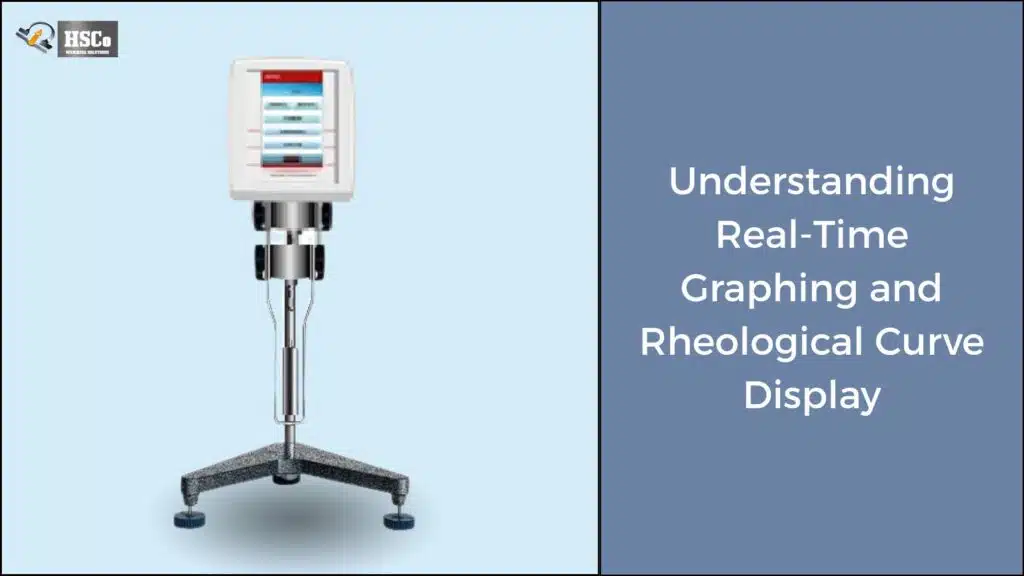
If you run viscosity tests regularly you already know one thing: repeating the same setup again and again wastes time and increases the chance of mistakes. That’s exactly why custom viscosity test programs exist. They let you define your testing conditions once and reuse them whenever you need consistent, reliable results.
Need to save viscosity test programs?
Compare HSCo's density and viscosity meters. Ask which model supports the test programs you need to save. See touchscreen viscometers
In this guide, we’ll walk through how to create and save custom viscosity test programs in a simple practical way. No complex jargon. Just clear steps, real-world tips, and advice you can actually use in a working lab.
Why Custom Viscosity Test Programs Matter
Every product behaves a little differently. A shampoo, a paint sample, and a food sauce won’t be tested the same way. Custom programs help you match the test to the material instead of forcing everything into one default method.
With saved programs, you can:
- Reduce setup time for routine tests
- Ensure every operator follows the same method
- Improve repeatability and confidence in results
- Avoid manual entry errors
For QA/QC teams, this consistency is critical. One small change in speed or time can affect the final viscosity value
What Is a Custom Viscosity Test Program?
A custom test program is a stored set of test parameters that the viscometer can recall with a single tap.
It usually includes:
- Spindle type
- Speed or shear rate
- Test duration
- Temperature settings (if applicable)
- Data logging preferences
- Pass/fail limits
Once saved, the program becomes a repeatable recipe for testing that specific product.
Before You Create a Custom Program
Before jumping into setup, it helps to be clear on what you want the test to achieve.
Ask yourself:
- Is this for routine batch checking or R&D analysis?
- Do I need a single-point reading or time-based data?
- Does temperature control matter for this product?
Having those answers prepared makes the setup faster and more accurate.
Step-through-Step: Creating a Custom Viscosity Test Program

Step 1: Select the Correct Spindle and Speed
Start by selecting the spindle and velocity that first-rate suit your sample.
Keep in mind:
- Low-viscosity fluids need smaller spindles and better speeds
- Thick materials want large spindles and slower speeds
- Torque must stay inside the advocated running range
Running a brief trial test can assist verify you’re inside the right quarte, stop the centrifuge right away, switch it off, unplug it and check all parts carefully.
Step 2: Define the Test Duration
Decide how long the viscometer ought to run.
Common options include:
- Short assessments (30–60 seconds) for short tests
- Longer exams for looking at balance or settling
- Timed periods for capturing viscosity changes
Longer tests are beneficial whilst you want to see how viscosity behaves over time, not just a very last number.
Step 3: Set Temperature Conditions (If Required)
Temperature has a huge impact on viscosity. Even small adjustments can shift effects.
If your viscometer supports temperature manipulate:
- Set a hard and fast temperature goal
- Allow the pattern to stabilize earlier than starting
- Use the same temperature on every occasion for comparisons
Consistency here is simply as critical as spindle or velocity selection.
Step 4: Enable Data Logging and Graphing
Most present day viscometers will let you log and graph records automatically.
Before saving this system test:
- Is data logging turned on?
- Do you want continuous logging or final values only?
- Are graphs enabled during the test?
These features are especially helpful for QA teams tracking trends across batches.
Step 5: Set limits and alarms (optional)
If your device supports borders, this is a good time to use them.
You can define:
- acceptable viscosity range
- visual or audible alerts
- pass/fail indicator
This makes it easier for operators to immediately know whether a sample is within specification or not.
Stores customized test program
Once everything is set up, it’s time to save.
Most touchscreen viscometers follow a simple procedure:
- Press “Save method” or “Save program”
- Enter a clearly descriptive name
- confirm and save
Use names that make sense at a glance, such as “Paint Batch QC – 25 °C” or “Shampoo Stability Test.”
Best practices for naming and organizing events
A little organization goes a long way.
Useful tips:
- Include product name or code
- Mention temperature if relevant
- Avoid vague names like “Test 1” or “Sample A”
If multiple users share the device, clear naming prevents confusion and accidental misuse.
Using stored programs in daily testing
Once saved the test runs very quickly.
Usually you just do:
- Select saved program
- load test
- start the test
This reduces the training time for new employees and the results are consistent across shifts.
Editing or Updating Existing Programs
Processes change over time. If a formulation is adjusted, your test program may need an update.
Most instruments allow you to:
- Copy an existing program
- Make small changes
- Save it as a new version
This keeps your original method intact while adapting to new requirements.
Common Mistakes to Avoid
Even with custom programs, errors can happen.
Watch out for:
- Change the spindle without updating the program
- forgot to save after editing
- Use of one program for different products
- Ignores temperature stabilization
Regular review of saved programs helps prevent these problems.
Real-life example: Save time in the QC Lab
A food processing lab tested sauce viscosity every two hours. Before using custom programs, operators manually set speed and time each run. Results varied slightly between shifts.
After creating a saved test program:
- Setup time dropped to seconds
- Results became more consistent
- Training new staff was easier
Small change big improvement.
Conclusion.
Creating and storing custom viscosity take a look at packages is one of the simplest ways to improve accuracy, efficiency and consistency in your laboratory. Instead of relying on reminiscence or guide setup, create reliable methods that paintings the same manner every time.
Once you get into the habit of the use of a custom software, viscosity checking out becomes quicker, easier and lots much less worrying. This is a smart move for people who fee dependable consequences and properly-managed techniques.
FAQs
1. How many customs take a look at programs can I store?
It relies upon the model. But maximum touchscreen viscometers can save dozens or loads of applications.
2. Can extraordinary users get entry to the identical stored program?
Yes. Stored applications are generally to be had to all customers until access regulations are in location.
3. Is it safe to edit an existing application?
It is better to copy and rename this system before enhancing it so that the unique approach stays unchanged.
4. Do saved programs improve result accuracy?
They improve consistency, which directly supports extra reliable and repeatable results.
5. Should I assess saved packages regularly?
Yes. Reviewing them every few months ensures that they stay compliant with modern merchandise and strategies.