
POS barcode printing scale review and setup
See the POS barcode printing scale reviewed and set up.
What this video shows
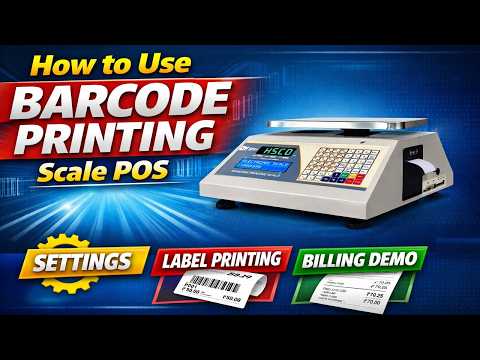
The POS electronic barcode printing scale is the subject of this review and setup demonstration. It brings the scale and its barcode printing purpose into one place, which helps if you are considering it for a counter or need to recognise the model you already have. The recording also covers setup, so you can follow the display and controls as they appear on the unit. Keep the video open beside the scale when you need the exact entries for this model.
The operator holds down a key on the keypad, enters the setting code and opens the printout settings from the menu. They show how to type the company name and phone number that print on the receipt header, then move through the message lines that can be printed below it.
The scale in this video

The model reviewed here is the POS Electronic Barcode Printing Scale; see its product page for the scale details.
More videos like this


Questions about this scale? WhatsApp or call +91-7045922250 (sales) or +91-7045922206 (service), or write to hsc@hindustanscale.com. All videos: Help & Videos.