
Change the roll and check the print on a handheld display
What this video shows
A short clip shows the printer roll being changed in a handheld display. The wireless display is switched off, the printer cover is removed and a new roll is fitted with some paper left outside. The display is then switched on and a print is made after the date appears.
Steps in the video
- Switch off the wireless display.
- Remove the printer’s top cover.
- Fit the new roll and leave some paper outside the printer.
- Switch on the wireless display.
- Wait for the date to appear, then make a test print.
The product in this video
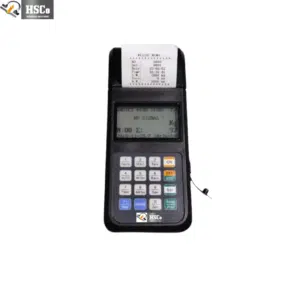
Handheld Displays for Weighing Scales – Portable Control, Anytime, Anywhere
More videos like this


Questions about this scale? WhatsApp or call +91-7045922250 (sales) or +91-7045922206 (service), or write to hsc@hindustanscale.com.