
PLU product data setup on the POS Indicator
What this video shows
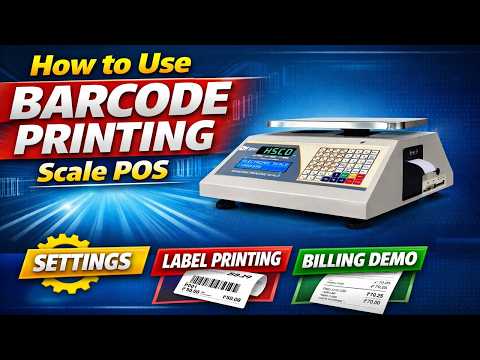
Add PLU product data on the POS Indicator with this setup guide. The video covers product information, price, tax and discount configuration, making it useful for a counter operator preparing items for sale. Watch the order in which the fields are handled and the keys used on the instrument. The product page below identifies the POS Indicator and gives its published details. Keep the item information used by your shop at hand when you follow the guide, and check the entries on your own unit before using them for billing.
Watch the video for the exact button sequence on this model.
The scale in this video

For this setup guide, see the POS Indicator product page.
More videos like this


Questions about this scale? WhatsApp or call +91-7045922250 (sales) or +91-7045922206 (service), or write to hsc@hindustanscale.com. All videos: Help & Videos.