
PRP00XX: save a rate and item name in quick memory
Adding a rate and item name to PRP00XX quick memory
What this video shows
This PRP00XX guide covers adding a rate and an item name to quick memory. It is useful when the same item is sold repeatedly and the operator needs its details ready at the counter.
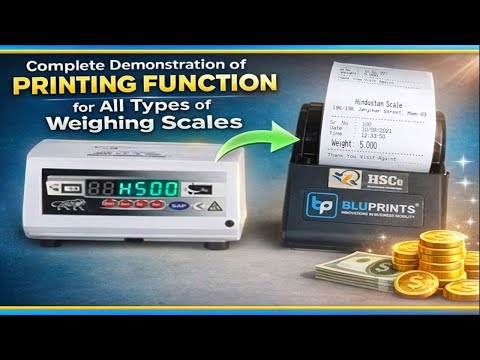
Watch the controls and fields shown on the unit before entering anything on yours. The operator selects a memory slot on the display, keys in the rate on the keypad and presses the M1 memory key to save it. At the end they hold up a slip printed by the scale.
The scale in this video

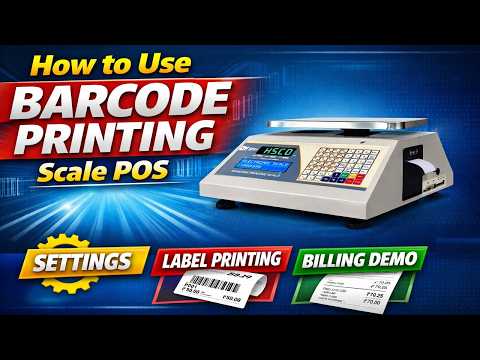
For a published HSCo price computing scale, see the PRCPT Electronic Price Computing Scale page. It is a related product; the video title names PRP00XX.
More videos like this


Questions about this scale? WhatsApp or call +91-7045922250 (sales) or +91-7045922206 (service), or write to hsc@hindustanscale.com. All videos: Help & Videos.