
Settings, label printing and billing on the POS indicator
What this video shows
The POS indicator turns a weighing platform into a billing counter: it has a jumbo green display, a Bluetooth, RS232, RS485 or USB link, and a printer output. This video goes through its settings, prints a barcode label from a weighed item and then makes a bill, so you see the whole path from weight to printed slip.
It is for a shop owner or a counter operator using the indicator for the first time. Watch the video for the exact button sequence on this model.
The scale in this video

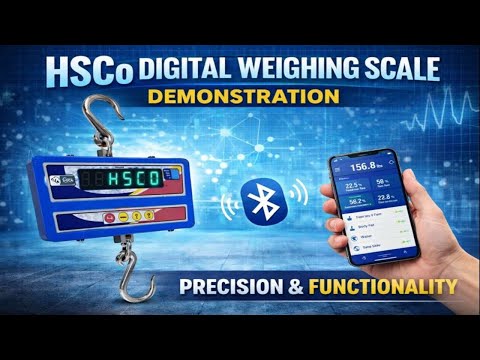
The indicator in this video is the HSCo POS Indicator. The printer link, the label format and any billing software connection are built to your requirement; tell us what you sell and what the bill must show.
More videos like this


Questions about this scale? WhatsApp or call +91-7045922250 (sales) or +91-7045922206 (service), or write to hsc@hindustanscale.com. All videos: Help & Videos.