
Putting together the barcode printer and connecting it to the scale
What this video shows
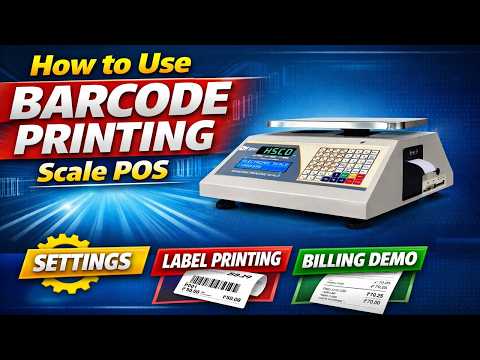
This video shows how the HSCo thermal printer is put together and connected to a weighing scale to make a barcode printing system: fitting the printer and linking it to the scale so that a label prints from the scale’s reading. The printer can be linked by cable (RS232 or USB) or over Bluetooth, and a label can carry the product name, the net and gross weight, a batch number, dates and a barcode or QR code.
It is for the person setting the system up at a packing table, a kirana counter or a dispatch desk. Watch the video for the exact button sequence on this model.
The scale in this video

The printer in this video is the HSCo Thermal Printer. The link to the scale and the label layout are built to your requirement; tell us the scale, what the label must carry and how it will be read, and we set it up that way.
More videos like this

Questions about this scale? WhatsApp or call +91-7045922250 (sales) or +91-7045922206 (service), or write to hsc@hindustanscale.com. All videos: Help & Videos.