
Wireless display, Bluetooth printer and printed slips on the CRHBTDJH
What this video shows
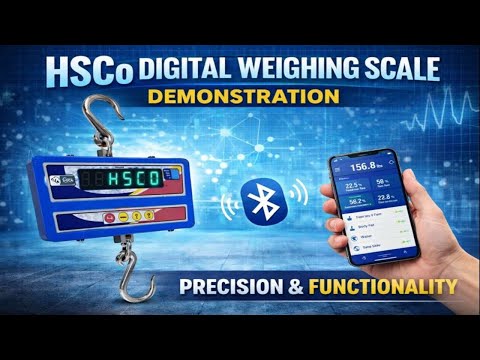
The CRHBTDJH is a crane scale with a double J hook, a wireless display and Bluetooth. In this demonstration the scale is switched on with its wireless indicator, a Bluetooth printer is switched on and connects to it, a load is hung on the hook, and a slip is printed from the indicator. The video also points out the charging LED, the ZERO and arrow keys on the indicator and the pair button for the remote.
The video is in Hindi. The steps below follow what is done on screen.
Steps in the video
- Check the charging LED on the unit; it shows whether the scale is charging.
- Switch on the crane scale and then the wireless display (indicator).
- Switch on the Bluetooth printer; it connects to the scale over Bluetooth.
- Hang the load on the hook; the weight shows on the scale and on the wireless display.
- To print the weight, press MODE on the indicator.
- Check the slip: each printout carries a running serial number.
The scale in this video

The scale in this video is the CRHBTDJH Electronic Bluetooth Crane Scale with double J Hook. The wireless display, the Bluetooth printer and any app or Wi-Fi link are built to your requirement; tell us the crane, the distance to the reader and what the slip must carry, and we build it that way.
More videos like this



Questions about this scale? WhatsApp or call +91-7045922250 (sales) or +91-7045922206 (service), or write to hsc@hindustanscale.com. All videos: Help & Videos.